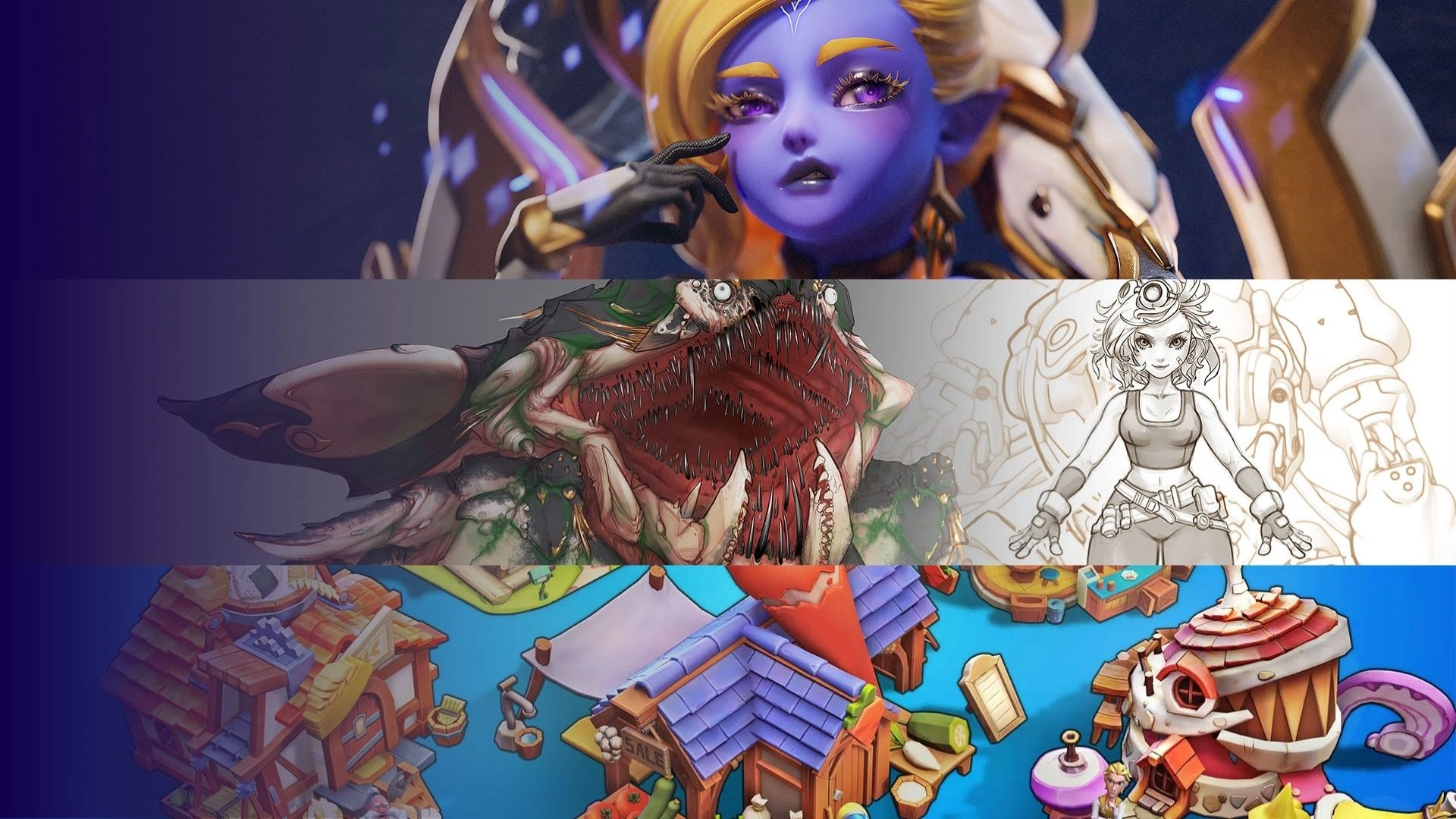


Join us in exploring the rising trend of stylized aesthetics in video games and uncovering the creative approaches and techniques for creating stylized game environments in unreal engines.
We are certain that with the success of the recent trend of stylized games such as Overwatch or Fortnite, more and more dev games are shifting toward stylized approach. A promising future for stylized elements is truly worth expecting for. If you’re comparing stylized and realistic directions, this breakdown shows how style choices affect workflow, scope, and production constraints: Stylized vs Realistic Graphics.
We expect that there is still a certain level of demands for stylized stuff, especially developers who want to add a new breeze to their games. Although the majority of the main market is on realistic stuff, our goal is to raise awareness for this type of content, bringing the community closer to the stylized trend. The article could also help breakdown in detail how to design stylized 3d game environments, as well as the need for stylized visual referencing and library preference.

Introduction
Currently, most of the stylized market is packed with unlit hand-painted assets mainly for the mobile platform. Our package is focusing on stylized assets for higher end PBR support with outstanding quality. Based on our experience and client who come to us for 3D environment & prop art service so far, we believe a lot of next-gen game dev are shifting toward stylized contents; realistic is no longer the only potent choice for a successful formula.
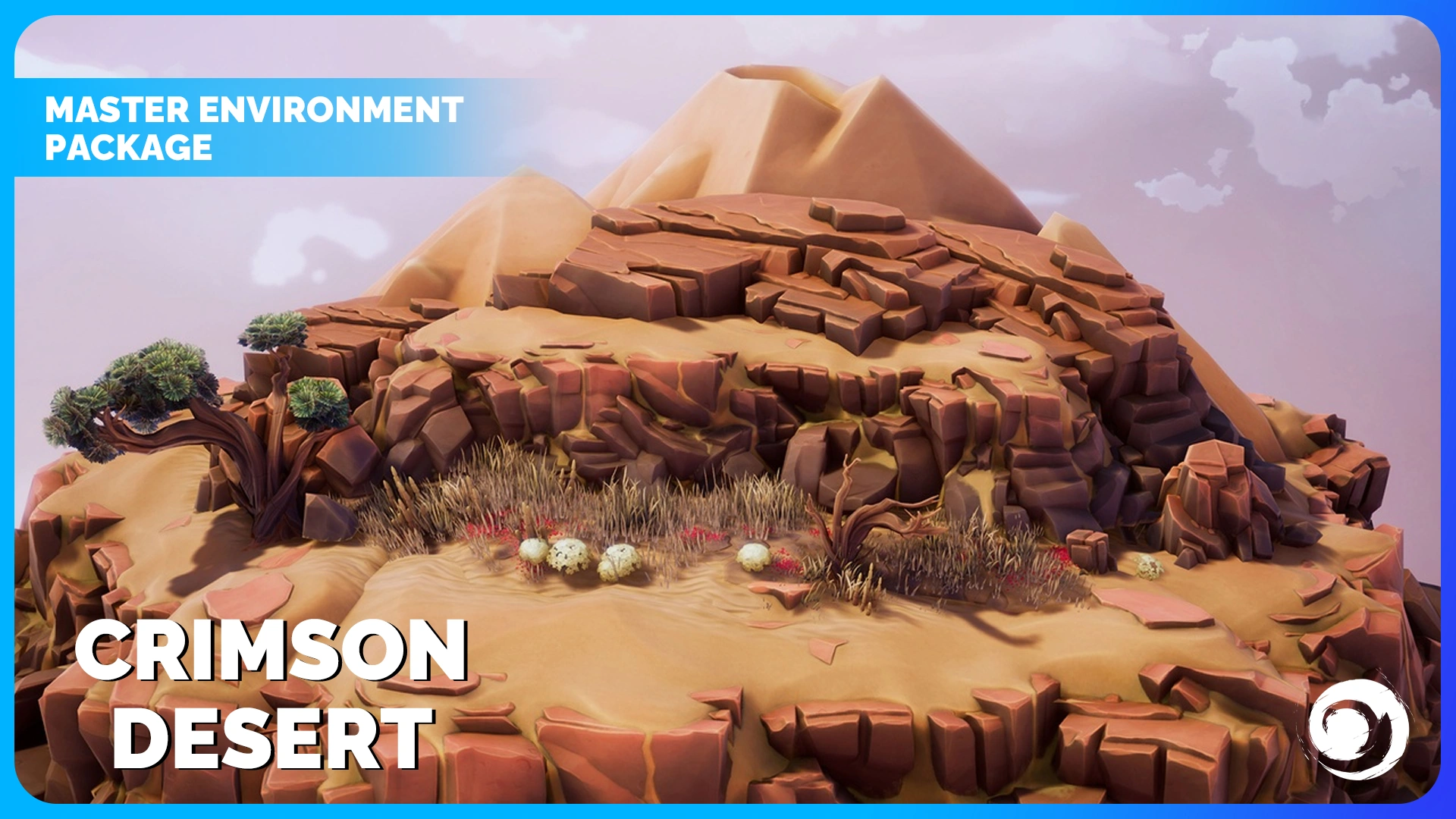
One of our best confidences in the package Crimson Desert is that while the package is super friendly for level builders, easy for assembling and creating the whole landscape from scratch, the overall design and visual still remains appealing with various types of assets to work with. All these elements help level design much more relaxing. We believe that anyone, even a newbie in stylized 3D environment art can use these assets to create stunning looking levels. That’s the reason why we want to use this package as the main samples of tips and tricks for creating high quality stylized 3D game environment design. You can view the asset overview of the pack and how this workflow applied in a real production environment: Crimson Desert – 3D Landscape Pack.
How to optimise the workflow of stylized 3D environment efficiently
A crucial aspect of 3D environment production is achieving maximum efficiency while keeping the high quality bar and consistency. A level design comprises numerous elements beyond merely the concept, including many modular assets, optimization, and assembling, all to ensure the highest visual quality but in the shortest time. Therefore, effective planning from the initial stages of the workflow is one of the key factors for success.
Our workflow and approach for the environment actually did not derive much from the character production. The technique still remains the same, the only major difference is that the breakdown goes more toward modular and tillable assets so that a reasonable amount of work would be enough to cope with a large scale project. Also, for stylized 3D environment assets, it is actually easier to translate between concept and 3D model with less loss in detail, look and feel. This is how we could handle the mass amount of work during the production.
Collect references
The first fundamental step is to define the art style and gather references that align with that style. This ensures the design’s consistency and overall cohesiveness. Therefore, the most crucial thing is to plan and keep a clear mindset from scratch and during the whole production process.
Based on this workflow, when we decided to work on a stylized 3D environment pack that looks similar to Overwatch, the first thing to do was to collect references to come up with the overall visual feeling. Then we worked on the concept to lock down all the visual design. While working on the concept, we planned ahead and kept in mind what kind of assets are possible for 3D production and how we would create the pack with current 3D tech.
Based on our previous experience in mobile environment games, we still keep a certain level of awareness of what is possible and what not in terms of environment 3D art technique. As every environment will consist of terrain/tiling/modular assets, we had to find the most effective way to produce each element, considering our current tech, manpower, and resources.
When every design is set, the 3D production department will pick up and start breaking it down into detailed tech spec. Unlike building individual characters, for the environment, we have to deal with the management of a large number of modular assets with the complexity of combining them together.
Making stylized rocks
For starters, we collect a bunch of most beautifully crafted stylized rocks that look and feel closer to our chosen visual style, from sculpts to finished texture to base our visual guideline on.
We noted down and planned ahead every step needed for the production of every asset, what kind of technique will be executed, how we will model it, how we will texture it, with which software for which stage. This helped us to keep track whenever a problem appeared and saved time on the stage when you go back and forth between feedback and maintenance.
As you know, the structure of Crimson Desert is divided into several components. The main components include: the rock system, the foliage system, and the tiling texture. Below, Thunder Cloud will break down each system with useful tips and tricks for producing high-quality results.
At first, we created a mid-poly version which focused purely on all the silhouette and major shapes of the object, no topology concerned at this point. What we prioritised are the large and mid details which could be visible from the concept. Then we bring them into ZBrush for further detailed sculpts.
A helpful tip at this stage is using some special stylized brushes and alpha packs (for example the Stylized Orb brushes from the senior artist Michael Vincent Orb) would help significantly in attaining the visual similarity in details as in our quality references, as well as saving lots of time.
To sum up, building the high poly meshes is the critical stage which determines 90% of the look and feel of the final assets as we model/ sculpt and poly paint all the visible detail in this stage. With this approach, we can control the final outcome of the assets at the very early beginning without worrying too much about tech part later like texture, UV, topology etc, thus focusing solely on the artistic side.
For a production view of how modular assets and environment sets are structured for real projects, see 3D Environment & Assets Design.
Enhance Visual Experience vs Optimization
Having completed the work on the high poly model, we proceed to its optimization, because it’s extremely unreasonable to use in a game the model in the current condition. We keep the tris-count at a proper amount to cope with our initial scale of creating high-end assets with PBR settings. We use mostly Maya to retopo meshes with complicated shapes (for example, trees or a cliff).
Right from the beginning, we already plan the UV to be as optimized as possible, same for the topology of the low poly versions. UV layout would be a crucial part here, and we tend to keep a clean and tight UV space for more Texel Density. For textures, we mostly used 2048×2048 to capture enough details when baking maps.
To achieve the most appealing result while maintaining viability for game settings, the mesh has to be both optimized and maintain a certain level of detail. However, there is a mistake that many artists make which is focusing too much on optimization, but remember that too low poly meshes that would not be capable of holding details from high poly, or meshes with too large tris count would not work well in the game engine.
How can we deal with this problem? To avoid those pitfalls, already while planning, we have to detect which detail will be shown via texture, and which will be via model/mesh details. Balancing this spectrum was a little bit tricky. We often prioritize polygons to hold larger details and silhouette, especially with round or curvy shapes. Even when sculpting, we did not invest too much into micro details. Instead, we utilize procedural maps in Substance Painter with filters to achieve this kind of detail.
Right now, we are aiming for the highest quality, and this pack currently is all at LOD 0f having the highest tris-count with reasonable performance for PC games. Within later updates, we can release a lower LOD version of these assets if needed. Reducing is easier than going up.
Stylized PBR Texture
Once the optimization stage is done, it is essential for all assets to have a consistent look and feel of stylized 3D environment, especially for environment assets. To preview each asset as close to the final rendering as possible, we use ZBrush to poly paint in order to maintain look across assets as well as switching between two shaders to preview – Unlit and Modified Basic shaders.
Then using Marmoset Toolbag, we bake a series of maps and move them to Substance Painter as Mesh maps.
We considered Base Color the most important element in SP and heavily focused on using baked Lighting node to bring our baking/subtle lighting info into the base color passes which is the fundamental basis of all stylized assets. Then we tweak the base color pass further by using extra nodes on top to control things like curvature, edge, cavity etc.
To control the color of individual elements, for example, curvature, we create a fill layer and fill it with the desired color, then a black mask and fill it with the curvature map. Then inside the mask, we use Substance filters such as histogram and level to control position and contrast, blur for sharpness and glow. Thus these steps allow us to control the exact color of the curvature glow around the asset. The same goes for other elements such as cavity color, ambient shadow or translucent color.
For weather, we build a separated Substance which covers the entire asset, pretending that the asset is purely made of that material (for example sand, moss, soil, etc.). Then we use anchor points to set up multiple modified mesh map, grunge maps and mix them together to come up with a mask to control the position of the weather where it shows up on the asset.
One of the tips is to invest our time into getting the base color right. Even if you only have the Base Color setting, the asset should already look beautiful. We tried to maintain the overall harmony and keep the value contrast among the details low.
After the base color is good to go, supporting maps such as roughness or normal maps will be created at later stages, using Substance Painter. While the key factor is still the base color map, supporting maps also help boost visual appeal in real-time rendering.
Testing & Assembling
For the visual guideline, with ZBrush poly paint and the right shader, we were able to preview the final asset from earlier stages. And in UE4, we were then able to put all the assets together for a bigger picture overview.
The key visual plays a very important part. All assets need to look consistent and always match the overall visual key.
By using the foliage/grass system in UE4, we could quickly test out assets in a mass cluster assembly to find if they look harmoniously, allowing switching the assets for easier modification.
Moreover, after completing each asset, individual artists who do not have access to UE4 during early stages of the project will put them in a single Marmoset scene with simple quick lighting setup for a preview.
In the later stages of the production, engine artists will test them. Our process involves conducting assembly tests and, through stress testing, populating scenes with a significant volume of assets, including grass, bushes, trees, boulders, and more. We also test various combinations of modular assets to see if they look good, for example, rocks and cliffs to build mountains.
We plan the optimization as a separate task as it is easier to strive for visual quality first and then, once we get the look right, go for optimization.
In general and at scale, this workflow is typically handled through structured environment pipelines rather than individual asset creation.
Conclusion
Overall, creating stylized 3D environments for games is a challenging task that requires both technical expertise and artistic skill. As an experienced artist, it is not only essential to be proficient in techniques ranging from concept, modeling, to optimization, but more importantly, the ability to overview and design in order to visualize the final result of the level design in the best possible way. This is an extremely important criterion in game environment design for the business, both in production and in ensuring the quality of service for the clients.
Nonetheless, when executed effectively, it can result in captivating and immersive game worlds that players will be eager to explore again and again.
If you are interested in purchasing our stylized 3D environment packages, take a look at our FAB with multiple game-ready packages:
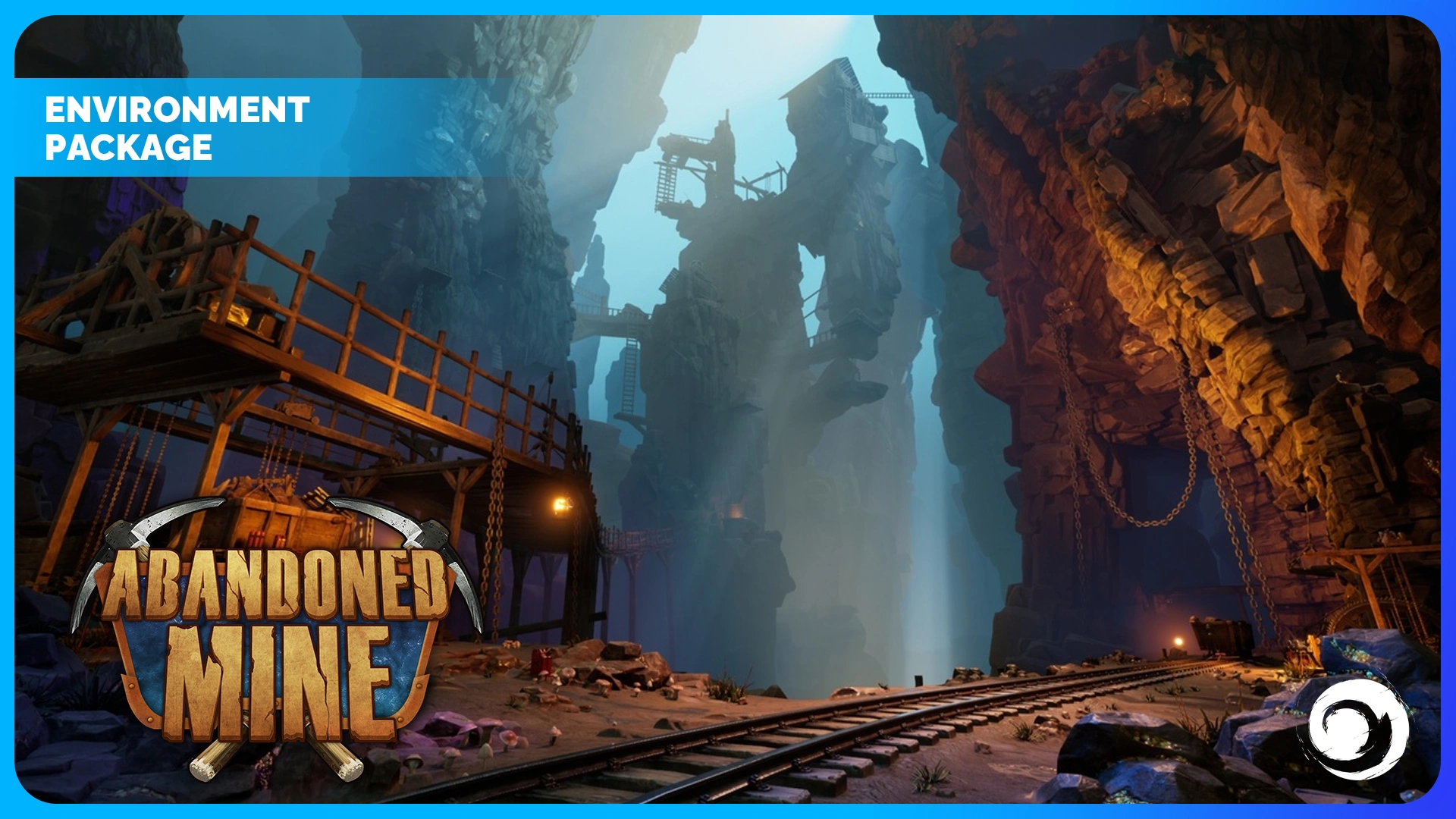
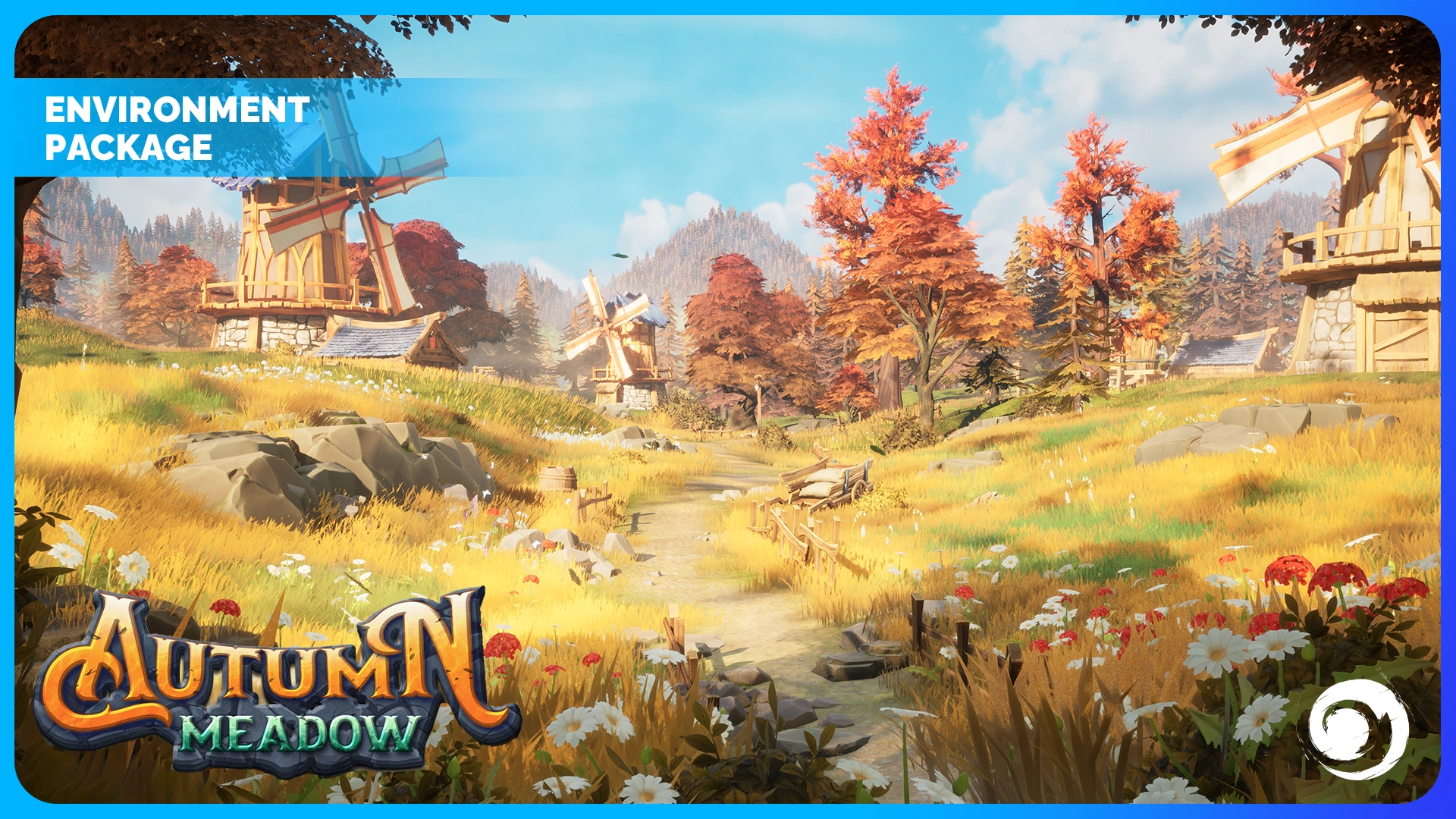
For teams planning stylized environments at scale, the next step is understanding how a structured 3D environment modeling service supports consistent, production-ready delivery.